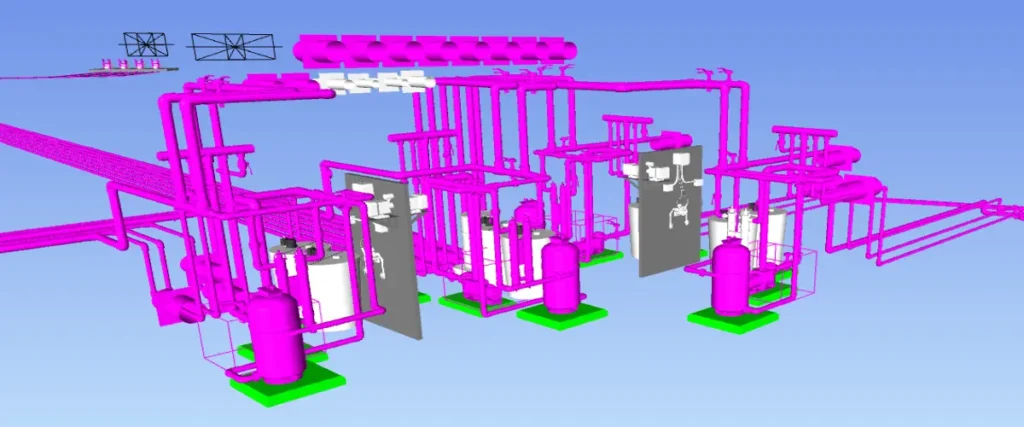
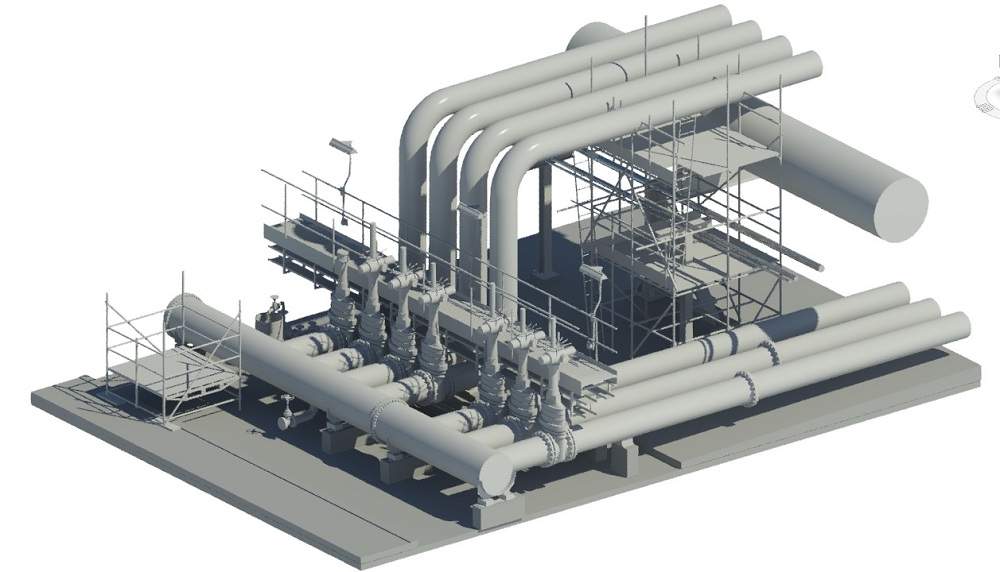
As construction projects become increasingly complex, with larger teams, tighter timelines, and higher expectations from clients, coordination has become an absolute necessity. For architects, engineers, contractors, and builders, the lack of coordinated work results in creating duplicates, delays in timelines, and unexpected additional expenses to complete the project.
Two Autodesk products are frequently discussed in relation to this problem: Autodesk Navisworks and Autodesk Revit. Although these tools are extensively used in the AEC industry, they are used for completely different coordination purposes.
This guide by CRESIRE will honestly discuss the differences between Navisworks vs Revit, allowing you to choose which (or both) tools best fit your project needs in 2026.
Reason: Clash detection, construction sequencing, and coordination meetings
For BIM Managers & Coordinators
Best approach: Revit + Navisworks
Reason: End-to-end coordination from design to execution
The Smart Approach in 2026: Use Both, Strategically
A proven coordination workflow:
Model creation and discipline coordination in Revit
Export coordinated models to Navisworks
Run clash detection and issue tracking
Send feedback back to Revit teams for updates
If you have invested in high-quality Revit models for your production team, then utilizing CRESIRE professional services for Revit 3D Modeling is paramount if you want your Navisworks Coordination efforts to be successful.
Not entirely. Revit is excellent for design coordination, but Navisworks is better suited for large-scale, multi-discipline coordination and clash management.
Is Navisworks necessary if all teams use Revit?
For small projects, maybe not. For medium to large projects with multiple consultants, Navisworks adds significant coordination value.
Which tool is better for clash detection in 2026?
Navisworks remains the industry standard for clash detection due to its advanced rules, reporting, and model handling capabilities.
Do contractors need Revit?
Contractors typically rely more on Navisworks, but access to Revit models improves issue resolution and coordination accuracy.
How does good Revit modeling impact Navisworks coordination?
How CRESIRE Helps AEC Teams Get Coordination Right
As a leading BIM Service Provider, we work closely with architects, engineers, contractors, and developers to deliver coordination-ready BIM models, not just 3D geometry.
Our BIM expertise includes:
High-accuracy Revit modeling aligned with coordination standards
Model optimization for Navisworks clash detection
Multi-discipline BIM coordination support
Scalable solutions for global AEC teams
Whether you’re still in design or are preparing to begin construction, we can provide support in developing a BIM Workflow that enhances decision-making, reduces clashing issues, and executes more smoothly.
Contact our team to discuss and get a free quote for your project.
Devashish is Founder/Director at Cresire where he leads BIM services. He holds a bachelor’s degree in Civil Engineering from the University of Sheffield and an MSc in Construction Project Management from The University of the West of England. His vision behind CRESIRE is to provide BIM services, adhering to best practices and procedures, to global customers, helping customers to save extensive production costs and overruns.